- Price for one event
- Instant QR code
- Live site
- Up to 50 guests
- Upload guest list (CSV)
- MyGuestWork branding visible

Take the Guest Work Out
QR Code Seating Charts for Weddings and Events
Upload your guest list, assign tables, and let guests scan one QR code to instantly find where they are sitting.
No app required for guests. Update seating anytime. Add menus, floor plans, and guest photo uploads.
What Is MyGuestWork?
MyGuestWork is QR code seating chart software for weddings, venues, and events. It helps organisers upload a guest list, assign guests to tables or seats, create a guest-facing event page, and generate a QR code that guests scan to search their name and find their assigned table instantly.
Simple to set up
1
Upload and edit your guest list
Add or adjust guests at any time before the event.
2
Customise your QR and guest page
Match the page style to your event in minutes.
3
Display the QR code at your event
Use one of our templates or design your own.
What happens on event day
From scan to seat in seconds
1
Guest arrives
Sees the QR code at the entrance
2
Scans QR code
The guest page opens instantly
3
Guest enters name
Types their name and finds their table in seconds
Sarah & John's Wedding
lucy
Lucy Mitchell
Table 7
Designed for your event
From weddings to corporate events, your guest page can match the look and feel of the day. Add menus, floor plans, and guest photo or video uploads, all from the same live page.
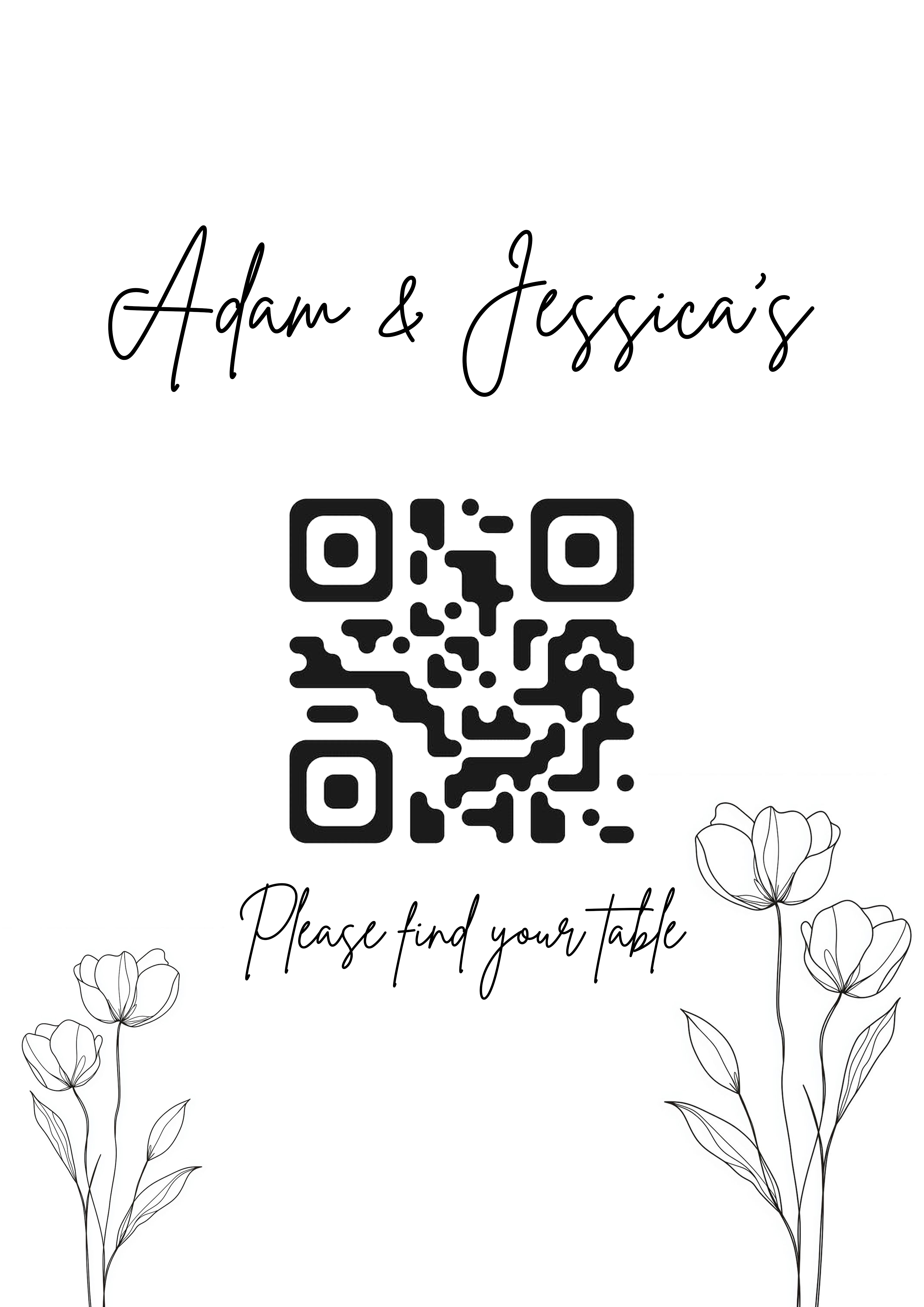
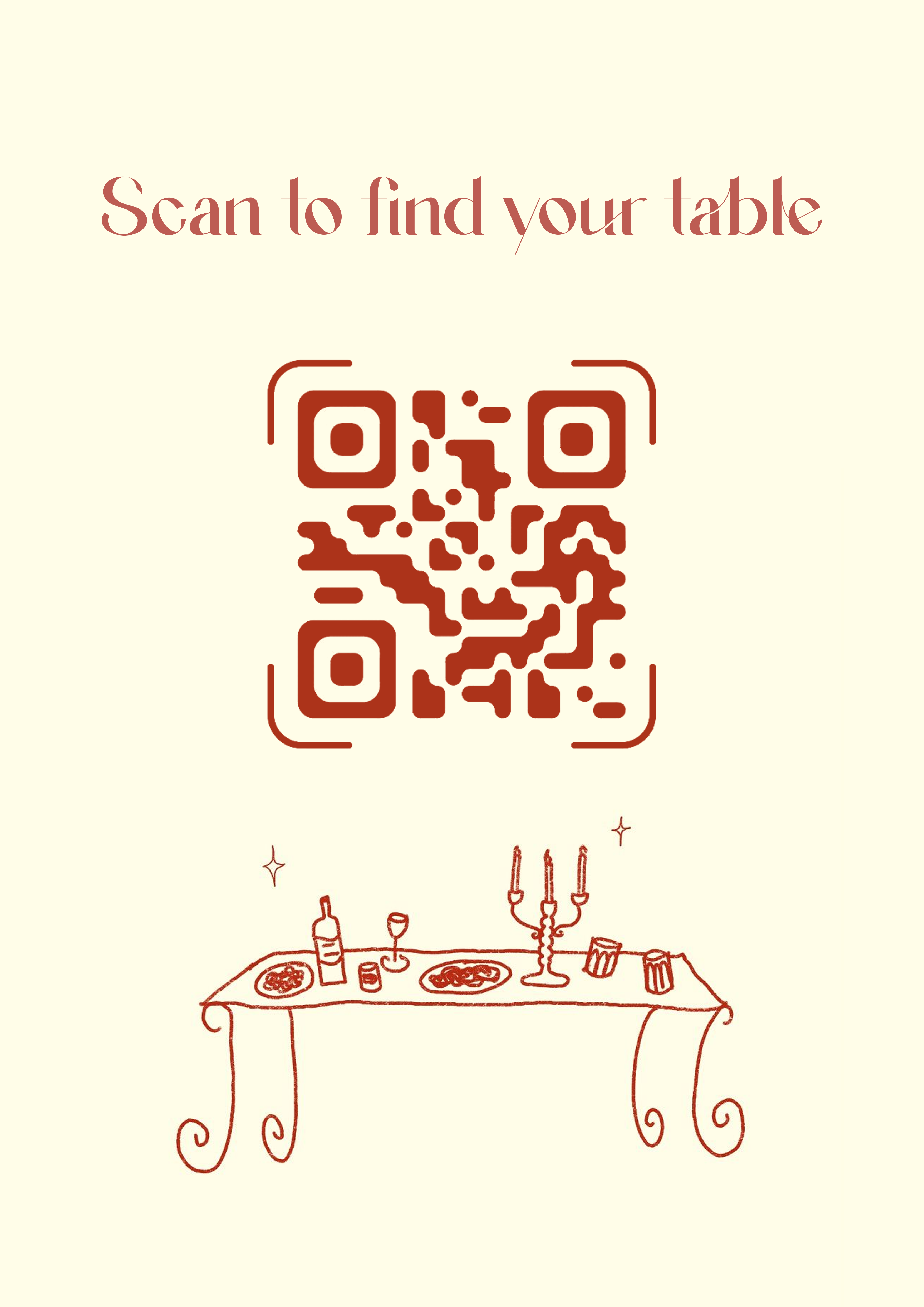
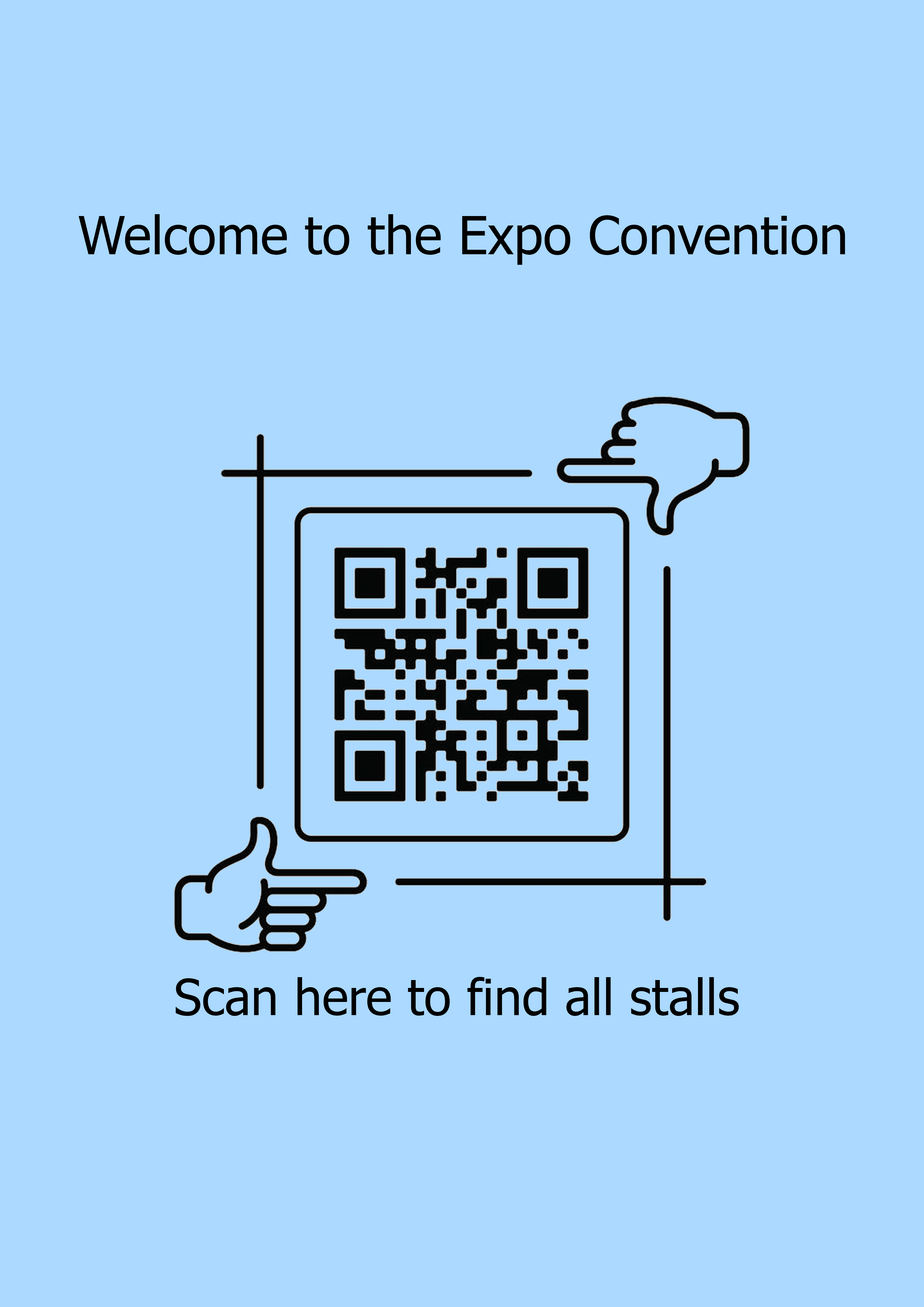
Plan your seating with confidence
Planning your seating can feel harder than it should be. These guides walk you through the key decisions so everything runs smoothly on the day.
How QR code seating charts work
If you are new to QR seating, this explains how it works from start to finish. See exactly what your guests will do and how quickly they find their table.
Digital vs printed seating charts
Trying to decide between digital and printed? Here is a clear breakdown of both, so you can choose what works best for your event.
Modern wedding seating chart ideas
If you want something that feels more thoughtful than a standard seating board, these ideas will help you create a setup that fits your day.
Wedding seating chart mistakes to avoid
It is easy to overlook small details when planning. These are the mistakes that tend to cause the most issues on the day.
Frequently Asked Questions
No app is needed to use this service. You set everything up through our website, and your event guests simply scan the QR code using their phone camera.
Not at all. If you can fill out a form and upload a spreadsheet, you can use our platform. It's designed for anyone planning an event, if it’s your first time planning an event or your tenth.
Guests scan the QR code on display, open the live event seating page, type their name, and instantly see their table assignment.
Yes. You can personalise the live page to match the look and feel of your event, add your event name, choose colours, and upload a photo or logo. Your guests get a seamless experience that feels like part of the event, not a generic webpage.
No problem. You can update your guest list and seating at any time, right up until the event. Changes go live instantly, and the QR code will always direct guests to the most up-to-date event seating page.
Guests just need a basic mobile data connection to scan the QR code, the same they'd use to check their messages. No venue Wi-Fi required, and the page loads very quickly, even on slower connections.
You can also share a direct link to your seating page, so guests can access it from any browser. Don’t worry, you will be able to export and print your seating plan as a back up.
Your QR code is yours to use however works best for your event. Display it on a sign at the entrance, print it on place cards, add it to your invitations, or project it on a screen, anywhere your guests will see it. We also have a range of free printable templates, so it looks great without any design work on your end.
Yes. On supported plans, guests can upload photos and videos through the same event page they use to find their table. You can view, manage, and download the shared content after the event.
Not at all. It works for any seated event, corporate dinners, galas, birthday parties, award nights, school formals, charity events, and more. If you have guests and tables, it works for you.
Still have questions? Contact us
Simple plans for every event size
Flexible pricing options based on event size and platform use
- Price for one event
- Instant QR code
- Live site
- Up to 150 guests
- Basic design customisation of seating site
- Upload guest list (CSV)
- Export guest list (CSV & XLSX)
- Remove MyGuestWork branding
- Price for one event
- Instant QR code
- Live site
- Unlimited guests
- Full live site customisation (fonts, colours & background)
- Guest photo and video uploads
- Upload guest list (CSV)
- Export guest list (CSV, XLSX & PDF)
- Remove MyGuestWork branding
- Full QR code customisation
- Upload your own fonts
- Upload event menu
- Upload event floor plan
- Multiple events
- Unlimited guests
- Personalised domain
- Multiple admin users
- Dedicated support